
Step-2
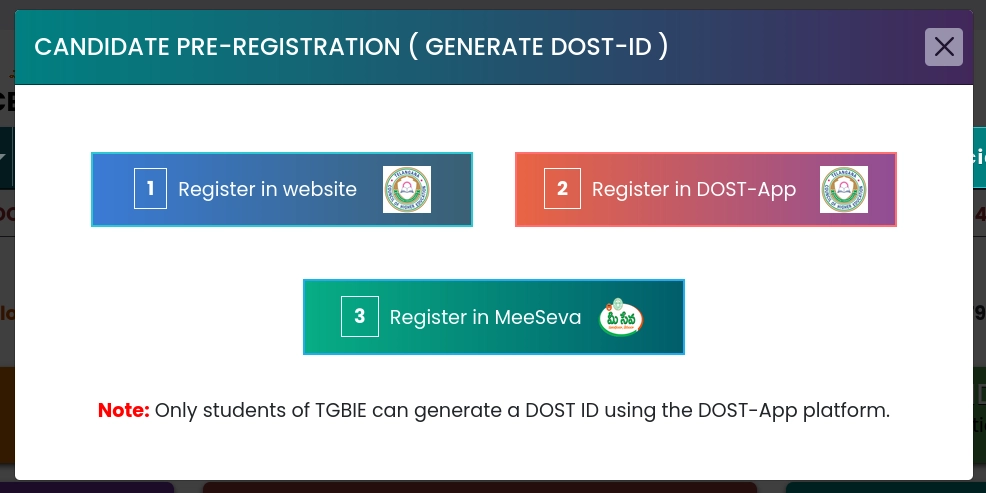
Click On " Candidate Pre-Registration"

Step-3
Select "Register in Website"
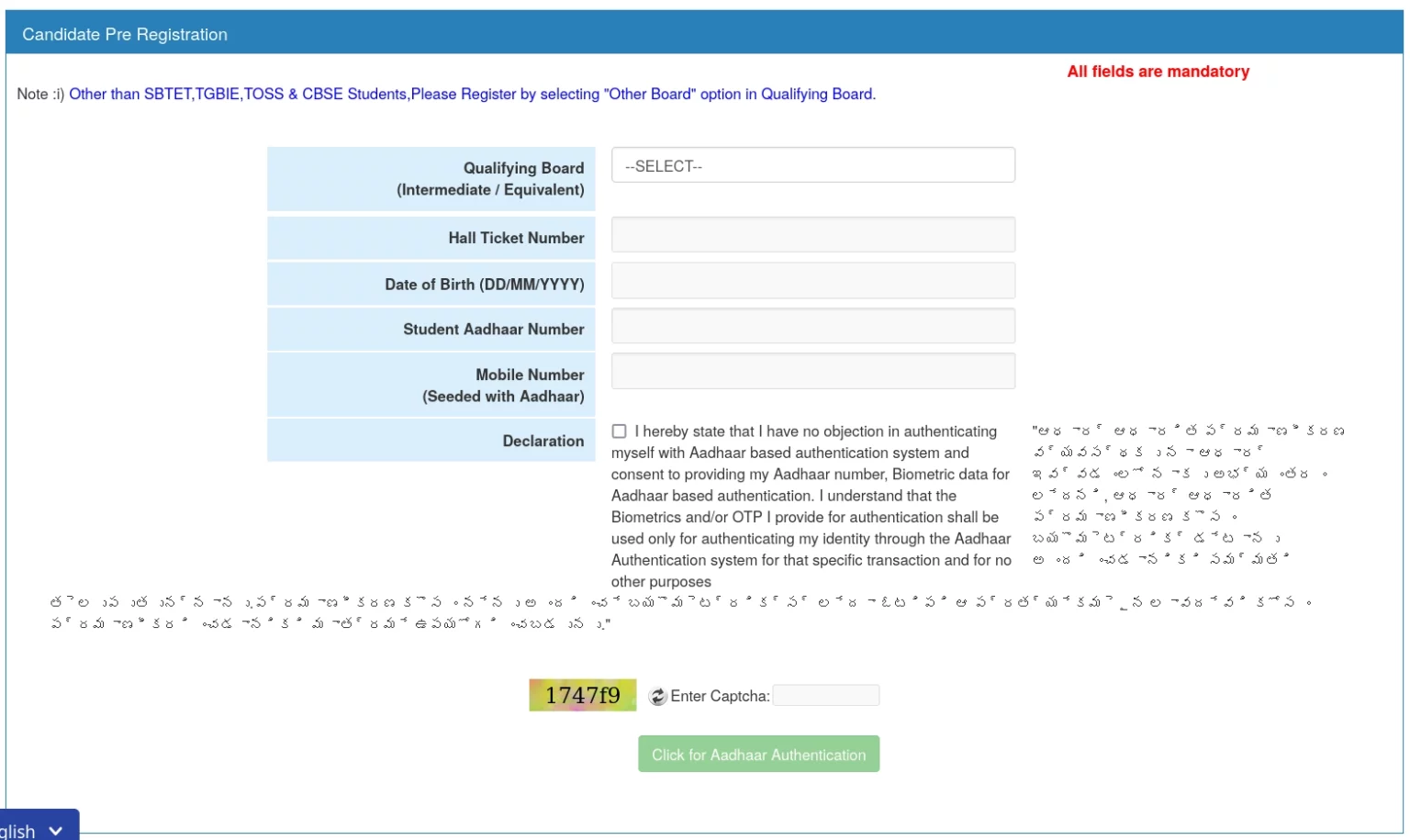
Step-4
Fill the Details and Complete the Pre-Registration
Step-5
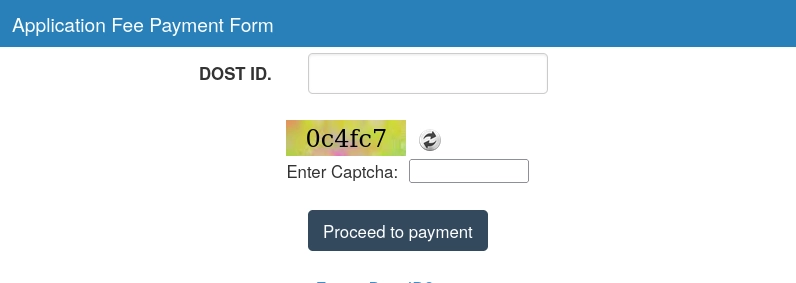
Click on "Application Fee Payment"

Step-6
Enter the DOST ID you got from Pre-Registration and Complete Online Payment
Step-7
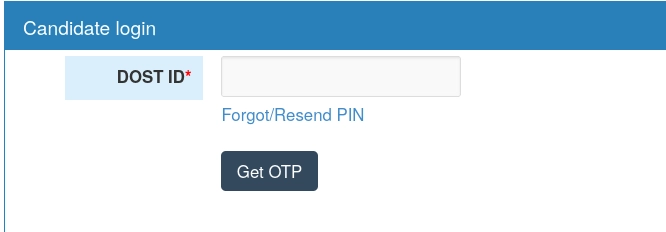
Click On "Candidate Login"

Step-8
Login in with DOST ID and complete your application
Step-9
Wait for the Date when Web Options are Open for DOST Phases
Click Here for DOST Notification 2026
Step-10
When Web Options are Available, Click On "Candidate Login"
Login using DOST ID
Step-11
Click For Web Options
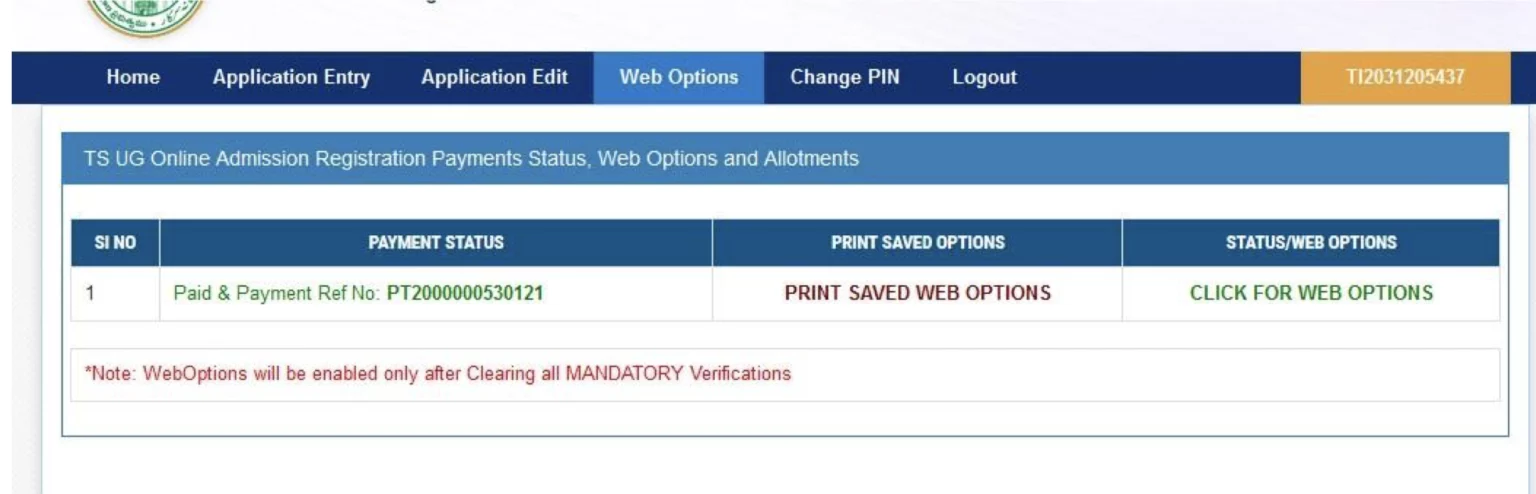
Selecting the College
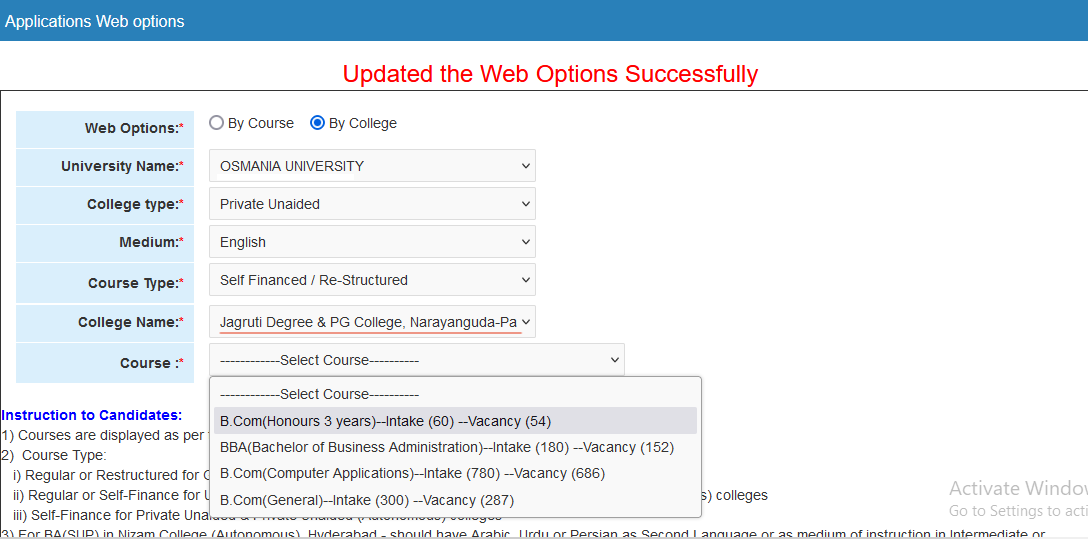
Select the following options:
- University Name: Osmania University
- College type: Private Unaided
- Medium: English
- Course Type: Self Financed/Re-Structured
- College Name: Hyderabad School of Business degree College
- DOST Code: 11220
- Course: Select the Course you want to join
Step-12
Seat Allotment
Step-13
Online Seat confirmation through online payment
Step-14
Student Reporting to College
Step-15